Blocks Smart Locker Help Centre
Find answers and support for your Secure Lockers system powered by Blocks, including parcel deliveries, collections, personal storage, item sharing and the Blocks app.
View Blocks Range Quick Support FAQ's
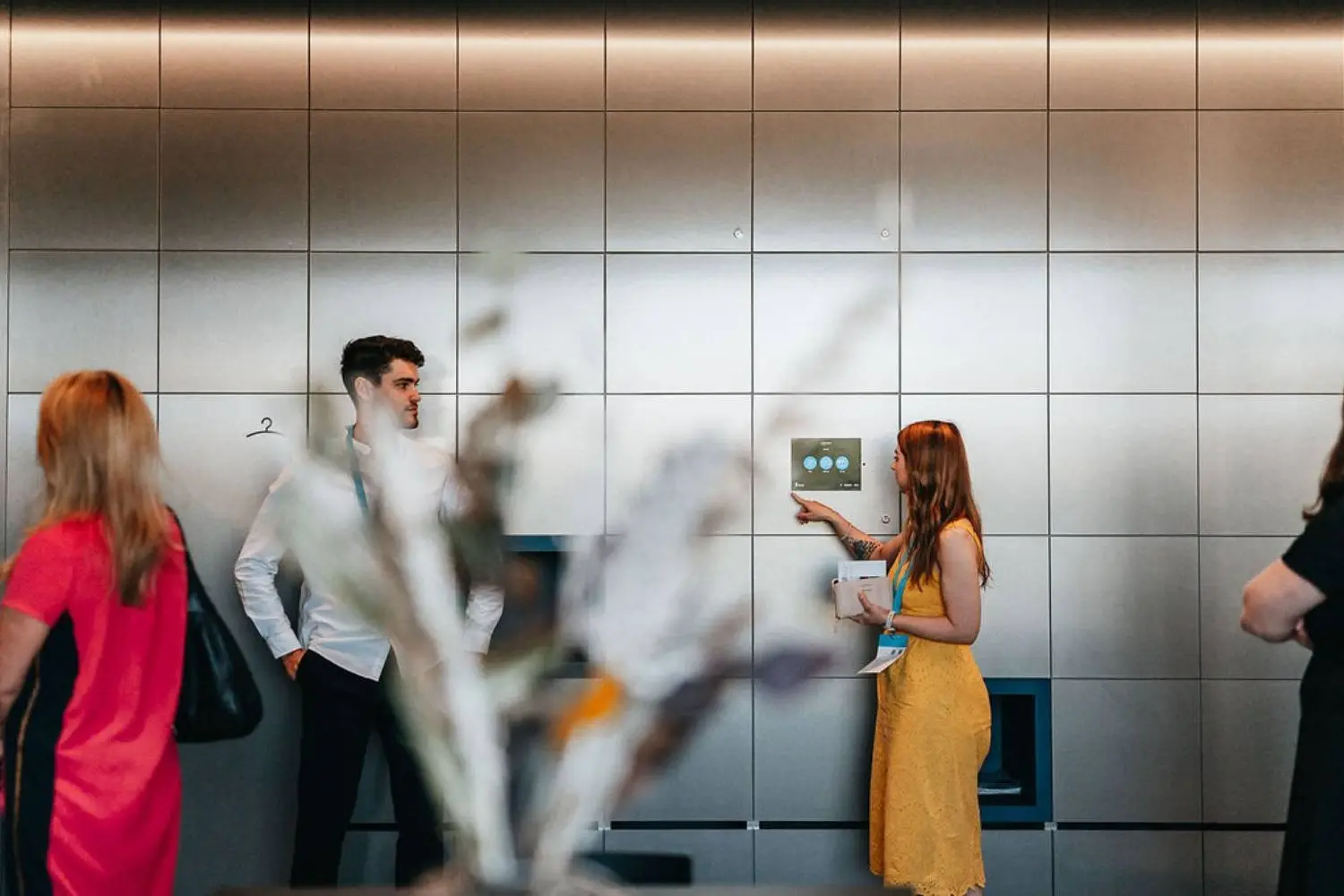
Storage of personal belongings
Smart personal storage for any environment. Employee lockers, guest storage, public spaces — secure, keyless, and built around the people who use them.
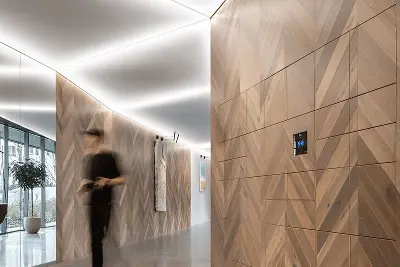
Sharing
From office exchanges to key handover in residential buildings, Blocks lockers make it easy to securely exchange items without meeting in person or managing keys.
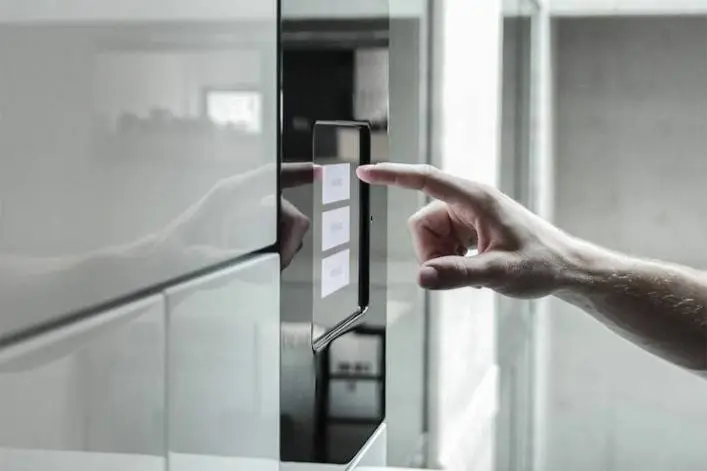
Independence on purchase
Send your parcel to Blocks and pick it up when it's really convenient for you, not the courier.
Quick Support
- Place your order on any e-shop as you are used to (you can write in the note that you want the package delivered to the Blocks box).
- When the courier calls to tell you that he is on his way with your package, tell him to leave it in the Blocks box.
- Immediately after the courier puts the parcel in the box, you will receive a SMS/notification with a PIN/QR code to pick it up. ✅
- On the Blocks screen, select "Deposit package".
- Enter the recipient's phone number.
- Select the size of the box and store the package.
- The recipient receives a message with an access code.
💙
Recipient not registered in Blocks? No problem, save the shipment to your phone number and forward the access code to them.
- On the Blocks screen, select "Deposit package".
- Enter your phone number.
- Select the size of the box and store the package.
- You will receive a message with the access code shortly.
- On the Blocks screen, select "Pick-up package".
- Enter the PIN you received in the SMS or scan the QR code from the app.
💡If you are near Blocks with your shipment, the app will offer you a pickup directly from your phone.
Didn't find the answer?
Feel free to contact us!
Frequently Asked Questions
Everything goes much faster! Open your box in one click directly from the app without having to touch anything. Plus, Blocks knows you're near your parcel and sends you a notification to open it quickly.
The app is free to download on the App Store and Google Play.
Of course not. It's free to use no matter how you use it. You only pay for the courier service you chose when ordering on the store.
This is not necessary when your phone number is in the same region as Blocks. For all other numbers, it is!
After entering the access code, your box will automatically open and an arrow on the display will guide you to it.
Most Blocks have box sizes:
S: 32x16,5x51
M: 32x34,5x51
L: 32x70x51
Some also have XL:
XL: 68x70x51
What fits in the box, it can carry.
The Courier follows its internal policy. They will usually contact you by phone or arrive the next day.
You will receive the first reminder for pick-up after 24 hours. As standard, the shipment can be in Blocks for up to 3 days. If you need to pick up a shipment later, contact the building administration and you will find common ground.
No problem! Just forward the PIN to the person to collect.
Blocks does not have a payment terminal and cannot be used for COD shipments. This gives users an incentive to pick up their shipment as soon as possible and release it to you.
Any courier can deliver to Blocks from any e-shop.
Your note with your order is a signal to any courier and a valid request to deliver to Blocks.
We're also currently working on integrations that will allow you to choose to save to your Blocks directly in your e-stores.
The boxes are usually located at the entrance to the building. Alternatively, the receptionist will direct you.