Blocks Smart Gym & Leisure Lockers
Smart, keyless lockers for gyms, fitness centres & leisure facilities
The Blocks Smart Gym & Leisure Locker System provides a secure, centrally managed alternative to traditional keys and standalone electronic locks.
Members can access lockers using methods such as their mobile phone, QR code, RFID wristband, fob, membership credential or integrated gym application, while operators retain full visibility and control through the Blocks Admin Zone.
The system is ideal for 24/7 gyms, fitness centres, aquatic facilities, sports clubs and leisure environments where members may need locker access even when reception is unattended.
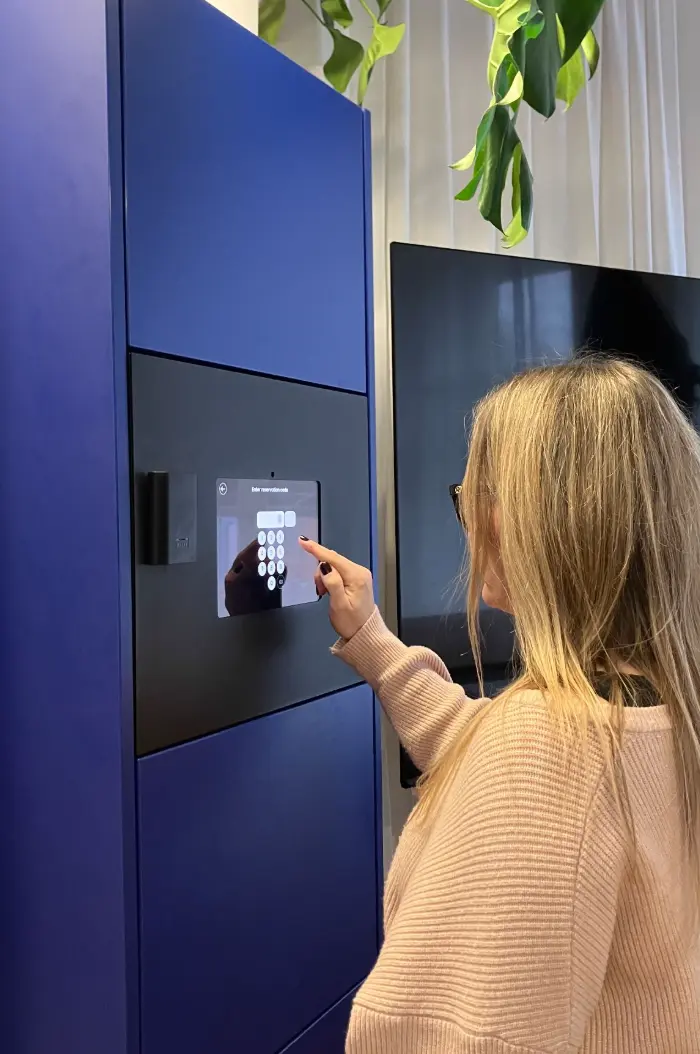
Stop the After-Hours Locker Call
One of the biggest challenges with unattended gyms is simple:
A member finishes their workout late at night, forgets their PIN or can’t remember which locker they used; and there is nobody at reception to help.
Traditional keys and standalone PIN locks can turn a small problem into an after-hours call to the gym owner or manager.
Blocks helps reduce these situations by giving members access methods they are less likely to forget or lose.
Members can use options such as:
- Mobile number
- QR code
- Existing membership credentials
- RFID / NFC card
- Fob or wristband
- Mobile app
Where integrated with the gym’s membership platform, locker access can also follow the member’s existing account status.
The goal is simple: fewer lost keys, fewer forgotten PINs and fewer after-hours calls to the gym owner.
Access Your Way
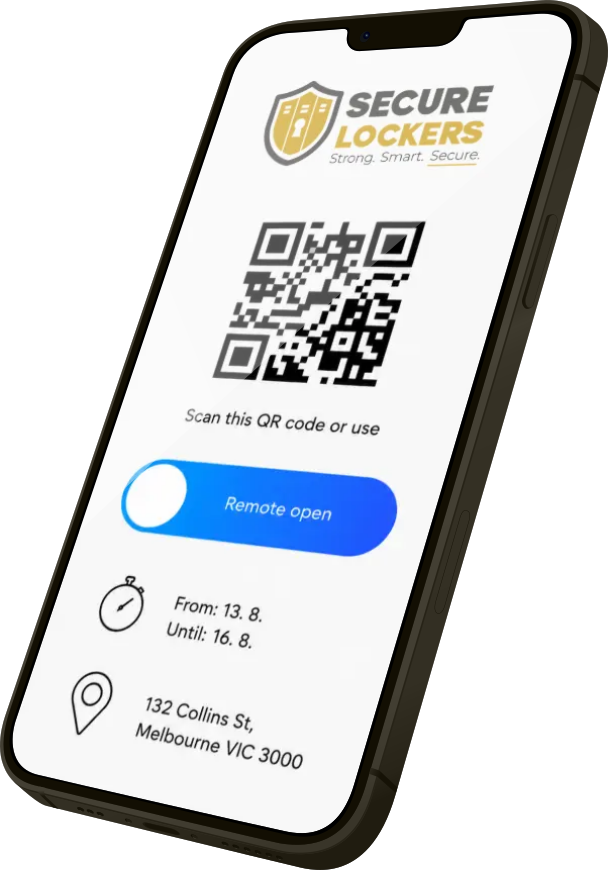
Secure Lockers with Blocks software can support multiple access methods within the same locker system, including:
Mobile · QR · RFID / NFC · PIN · Fob · Wristband · Touchscreen · Mobile App
Different access methods can be combined within the same project, giving members a convenient primary method and alternative access options where required.
For example, a member may normally use their RFID wristband but still have QR or mobile access available as a backup.
Integrate Locker Access With Gym Membership
Let your existing membership platform control locker access
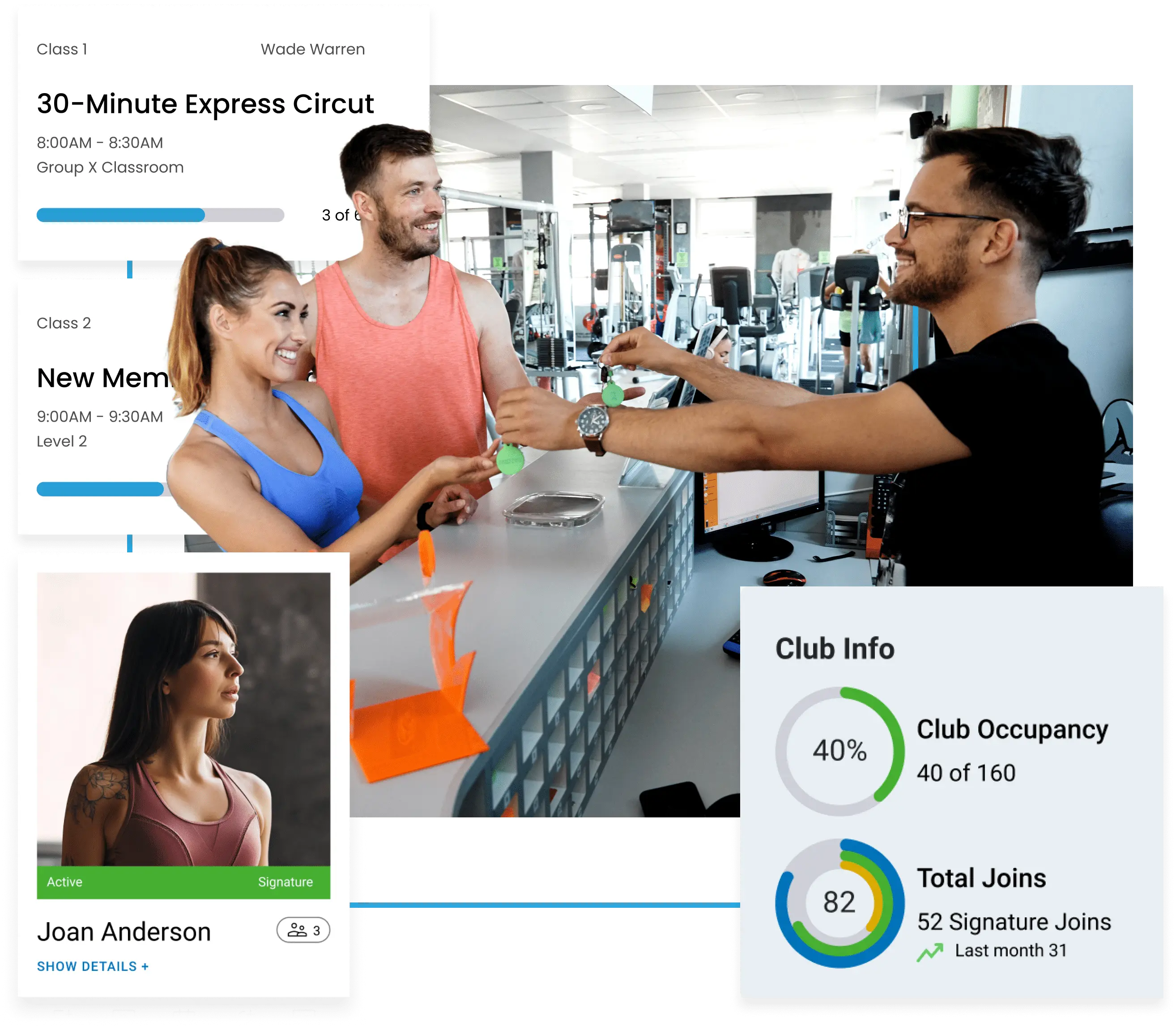
Secure Lockers with Blocks software can integrate with compatible gym membership, access-control and facility-management platforms so locker access can follow a member’s existing account status.
For example:
Member joins → Membership activated → Gym access enabled → Locker access enabled
If the membership expires or is cancelled:
Membership inactive → Gym access removed → Locker access removed
This can eliminate the need to maintain a separate locker user database and allows the locker system to work as part of the gym’s existing technology environment.
Using one of these platforms?
We can assess integration with commonly used gym and fitness platforms including:
- Clubware / Xplor Gym
- GymMaster
- Jonas Leisure / Envibe / VELEO
- PerfectGym
- ClubWise
- Mindbody
- Hapana
- Glofox / ABC Fitness
- Clubworx
- Virtuagym
- Zen Planner
- ABC Ignite
Blocks software provides an open API and SDK, allowing Secure Lockers to develop connections with compatible third-party platforms where the required API access and data are available.
Already using one of the platforms above? Talk to us about the workflow you want to achieve and we can assess the best way to connect it.
Permanent, Dynamic or Session-Based Lockers
The same installation can support different locker allocation methods.
Dynamic Lockers
A member is allocated an available locker when they arrive and releases it when they finish.
Permanent Lockers
Selected members can retain an assigned locker for ongoing use.
Session-Based Lockers
A locker remains associated with the member for the duration of their visit.
Staff & Contractor Lockers
Separate locker groups can be configured for staff, cleaners, contractors or other authorised users.
Different workflows can operate within the same locker bank.
A Safer Way to Handle After-Hours Access Problems
A common after-hours scenario is:
“I’m standing in front of Locker 4. Can you open it for me?”
With a basic lock, the operator may have very little evidence that the locker actually belongs to the caller.
Secure Lockers with Blocks software provides an audit trail that can help staff verify the request before remotely opening a locker.
Authorised staff can check information such as:
- Which user accessed the locker
- Approximate access time
- Locker activity history
- Mobile number or credential associated with the session
- Date of birth (DOB)
The gym can then combine this information with its own verification process, such as confirming the member’s mobile number, date of birth or account details.
Remote opening becomes a controlled process rather than simply taking someone’s word for it.
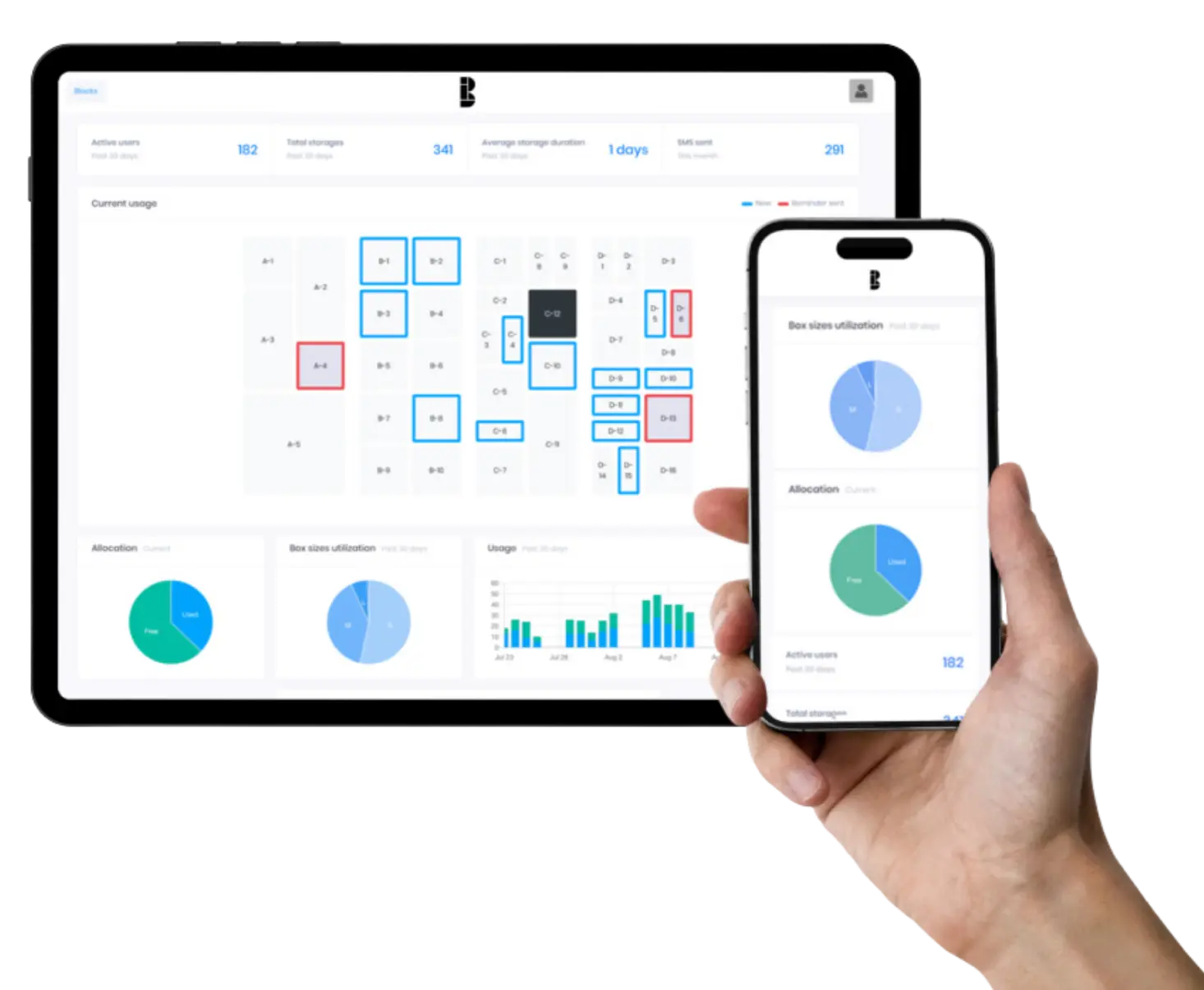
Full Control Through Blocks Admin Zone
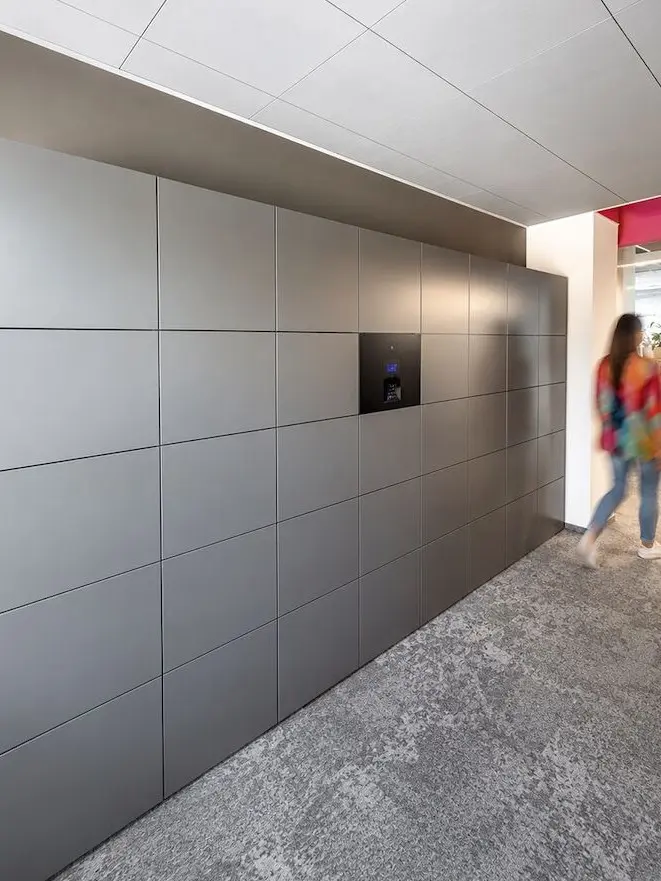
The Blocks Admin Zone gives authorised gym and facility operators central visibility and control over the locker system.
Administrators can:
- View locker occupancy and availability
- See current and historical locker activity
- Identify which user accessed a locker
- Review access timestamps
- Manage members and permissions
- Allocate, release and reset lockers
- Remotely open authorised lockers
- Manage multiple locker banks or sites
- Review audit trails
- Monitor utilisation and usage trends
- Assist with after-hours access issues
This gives operators much greater visibility over the locker system without needing to be physically onsite.
Built for 24/7 Gyms and Unattended Facilities
Blocks is particularly useful where members can access the facility outside staffed reception hours.
Typical applications include:
- 24/7 gyms
- Fitness centres
- Health clubs
- Aquatic centres
- Sports clubs
- Recreation centres
- Stadium facilities
- Member-only facilities
- Staff change rooms
The system can reduce reliance on reception staff while maintaining controlled member access and remote administrative visibility.
Hardwired Smart Locker Technology
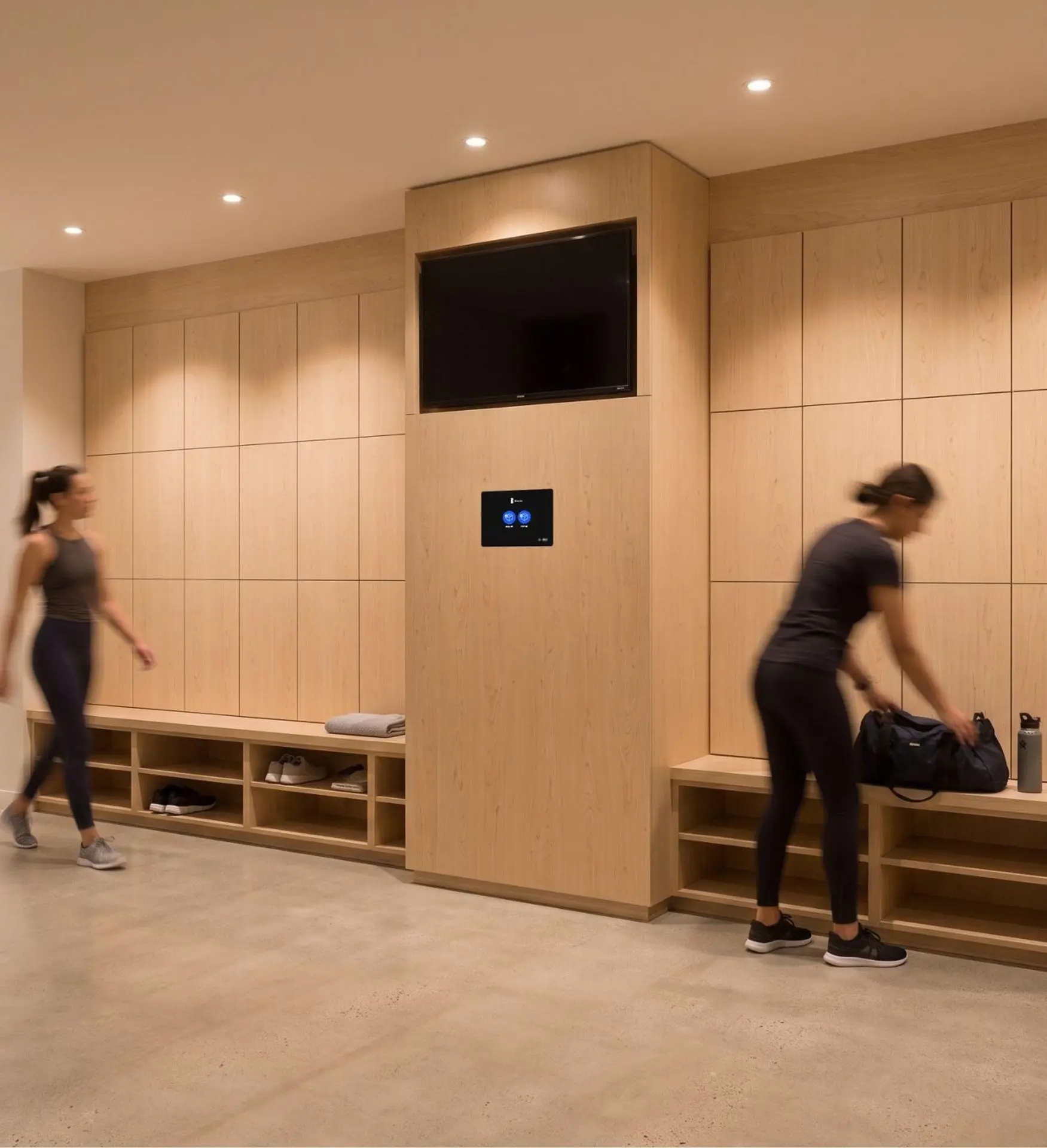
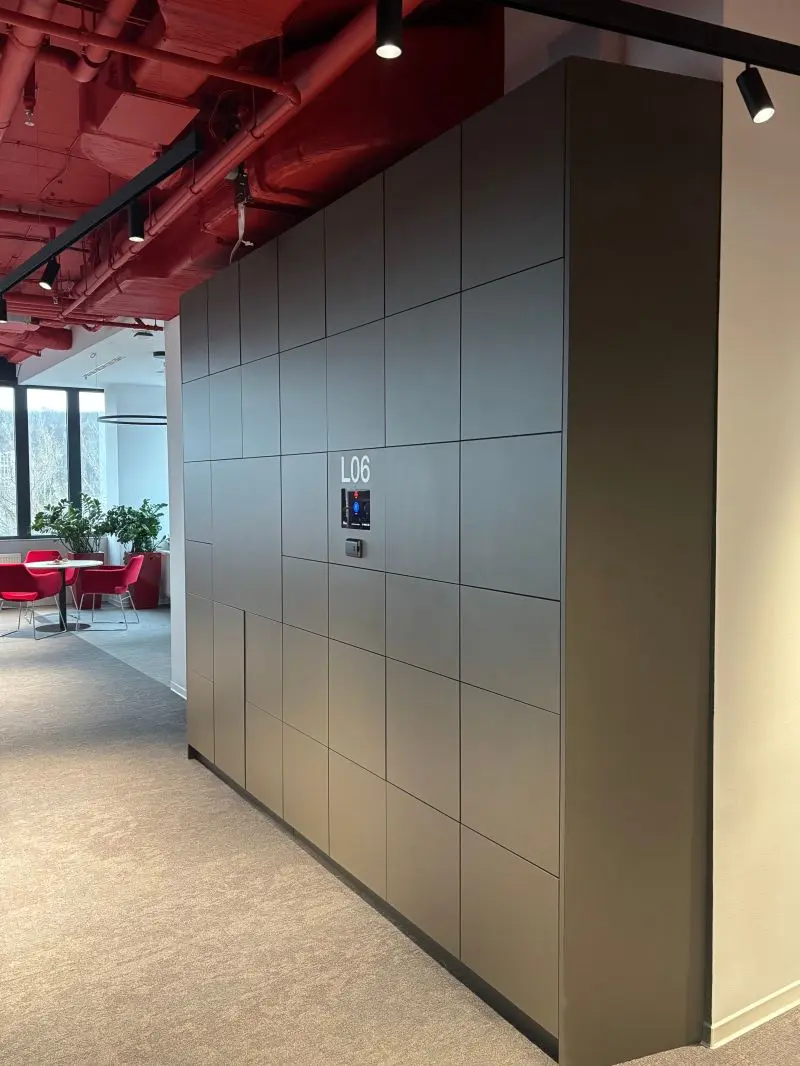
Secure Lockers with Blocks software is most commonly operated as a hardwired smart locker system, with electronic locking hardware connected to central controllers and the Blocks platform. However is also able to retrofitted with wireless Bluetooth locks where more convenient.
A typical system can include:
- Electronic locker locks
- Connection hubs and controllers
- Touchscreen terminal
- RFID / NFC reader
- QR scanner
- Power connection
- Data / internet connection
- Cloud-based administration
- Third-party integrations
Hardwired architecture is particularly suited to larger gym and leisure installations where lockers need to be centrally controlled and monitored.
New Installation or Retrofit
Blocks technology can be incorporated into both new locker installations and suitable existing locker banks.
Where existing lockers are suitable, Secure Lockers can assess whether electronic locking hardware, wiring, controllers and user interfaces can be retrofitted into the current installation.
This can be particularly useful for gyms that already have a good locker fitout but want to replace keys or standalone electronic locks with a centrally managed system.
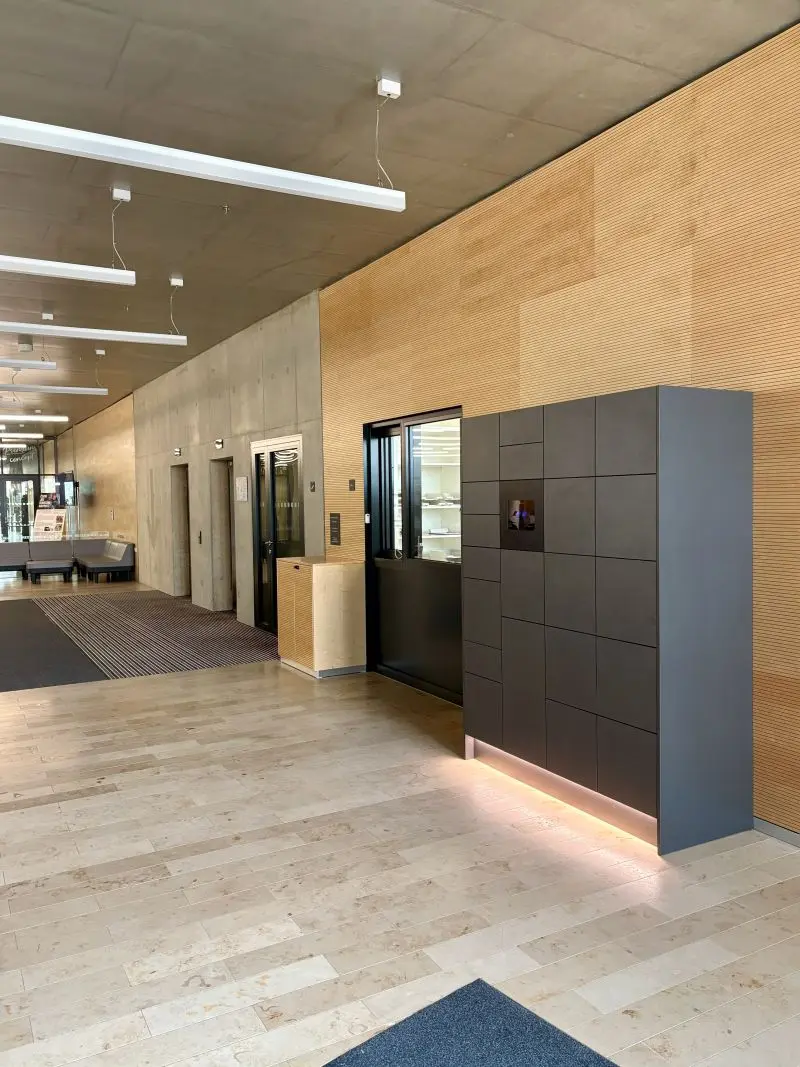
Designed for Gym & Leisure Environments
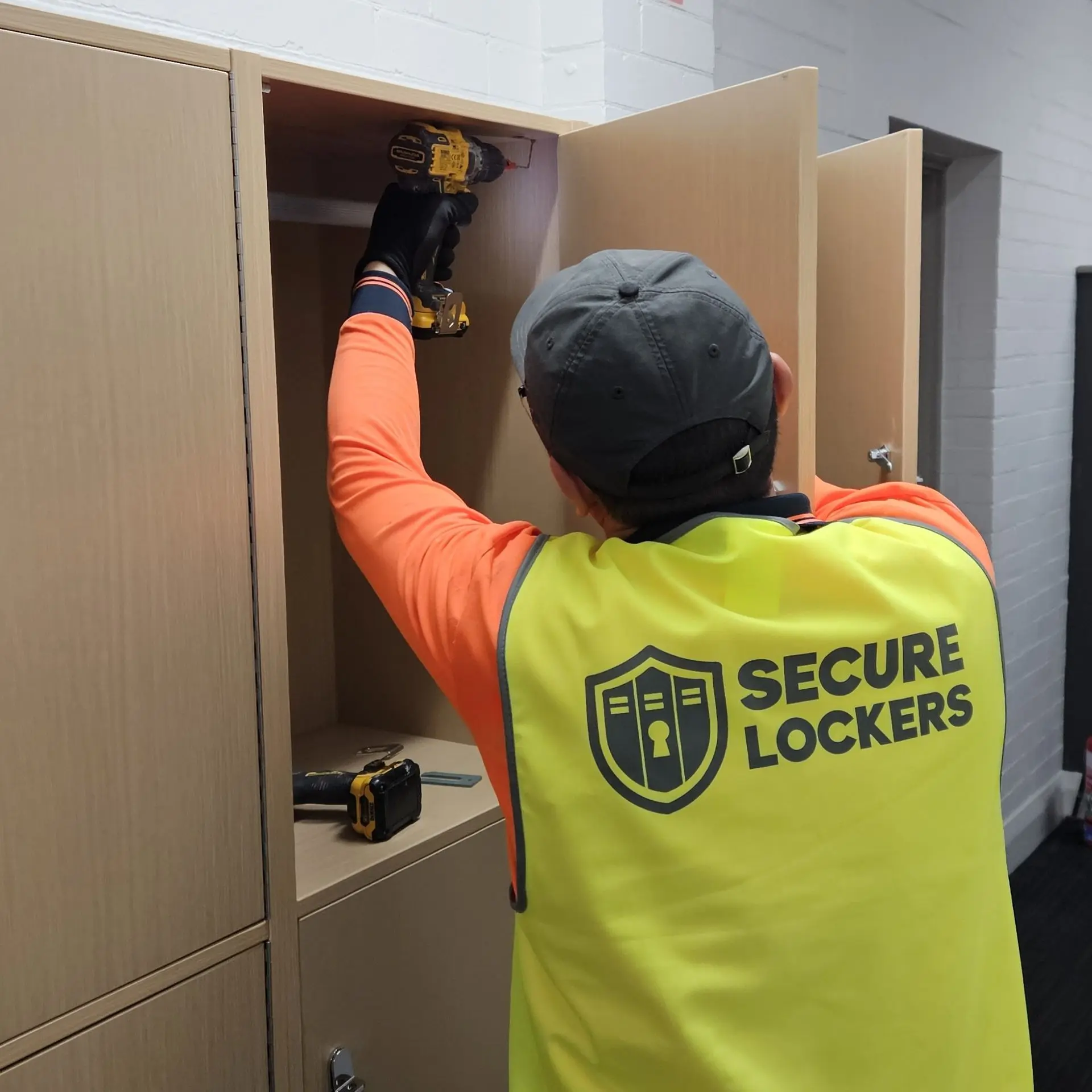
Secure Lockers can provide the physical locker system in materials suited to the facility.
Compact Laminate
Our preferred option for wet, humid and high-use change-room environments. Highly resistant to moisture, impact and scratching.
Laminate
A premium option for fully indoor, dry locations where appearance and architectural finish are priorities.
Metal
A practical lower-cost option for selected facilities, although it has a more industrial appearance and may be more susceptible to corrosion over time.
Locker sizes, finishes and configurations can be customised around the facility.
Trusted by Leading Organisations
Anytime Fitness ·
Snap Fitness ·
Plus Fitness ·
Club Lime ·
F45 Training ·
Goodlife Health Clubs ·
Jetts Fitness
Request a Quote for Blocks Smart Gym & Leisure Lockers
Tell us about your facility, member numbers and how you want users to access the lockers, and we’ll help recommend the right Blocks Smart Gym & Leisure Locker solution.
Frequently Asked Questions
Where PIN access is used, the member’s PIN can be sent directly to their registered mobile phone by text message, so they have the access details with them rather than needing to remember the code.
Other access methods such as QR, RFID/NFC, fob, wristband or integrated membership credentials can also be used depending on the system configuration.
They don’t need to remember.
When a member accesses the system, Blocks can automatically allocate an available locker and associate that locker with the member or their credential. When they return and authenticate again, the system knows which locker belongs to them and opens the correct one.
This removes the common problem of members forgetting their locker number.
Yes, where the existing credential and access-control environment are compatible. Blocks can work with RFID/NFC cards, fobs and wristbands and can integrate with compatible access-control or membership systems.
In many cases, yes. Blocks provides supported integrations, an open API and SDK that can connect with compatible membership, access-control and facility-management platforms.
Yes, where the locker system is integrated with the relevant membership or identity platform. Locker permissions can then follow the member’s account status rather than being managed separately.
Yes. Authorised administrators can remotely open lockers through the Blocks Admin Zone, subject to the facility’s own security and verification procedures.
The Blocks audit trail can help staff compare the caller’s information against recorded locker activity, such as user identity, access time and associated credentials. The facility can then combine this with its own verification process before authorising an opening.
Yes. The system is particularly useful in unattended or partially staffed facilities because members can access lockers without relying on reception staff, while authorised administrators retain remote visibility and control.
The exact behaviour depends on the configured system and backup-power arrangement. The system can be designed so existing users can still retrieve belongings during a temporary outage, while new locker allocations may be restricted until normal power is restored.
Yes, in many cases. Secure Lockers can assess the locker construction, locking hardware, wiring routes and available infrastructure to determine whether a retrofit is practical.
No. A touchscreen is one interface option, but members can also access lockers using RFID/NFC, QR, mobile, PIN or compatible integrated systems.
Yes. Blocks can support multiple locker banks and sites through centralised administration, with different permission levels for local, regional or national operators.
Yes. The same installation can support different workflows, including permanent lockers, dynamic lockers, session-based lockers and staff or contractor lockers.
Yes. A member’s registered mobile number can form part of the authentication or recovery process, helping reduce problems caused by lost keys or forgotten PINs.
Blocks operates under an ISO 27001-certified information security framework.
Depending on configuration, security features can include authenticated access, administrator permissions, audit trails, secure cloud management and encrypted communications.