Blocks Smart Payment Lockers
Flexible self-service lockers for paid and public-use environments
The Blocks Smart Payment Locker System combines hardwired electronic locker technology with configurable payment and access workflows, allowing facilities to offer secure self-service storage without relying on keys, coins or manual staff allocation.
The system supports complimentary, paid and membership-based locker access, making it ideal for aquatic centres, gyms, leisure facilities, attractions, stadiums and other public-use environments.
Users are able to access lockers through touchscreen, PIN, QR code, RFID/NFC, mobile or integrated third-party systems.
Built for Paid and Public-Use Lockers
Blocks can be configured around the way your facility wants customers to use and pay for lockers.
Paid Locker Sessions
Customers pay for a locker for a defined session or period.
Complimentary Member Access
Members or authorised users can receive free locker access through their existing credential or membership status.
Casual Visitor Access
Casual users can pay for temporary locker use without needing a permanent account.
Mixed Free and Paid Access
Different user groups can follow different rules within the same locker system.
For example:
- Member → authenticates → complimentary locker access
- Casual visitor → selects locker → pays → locker allocated
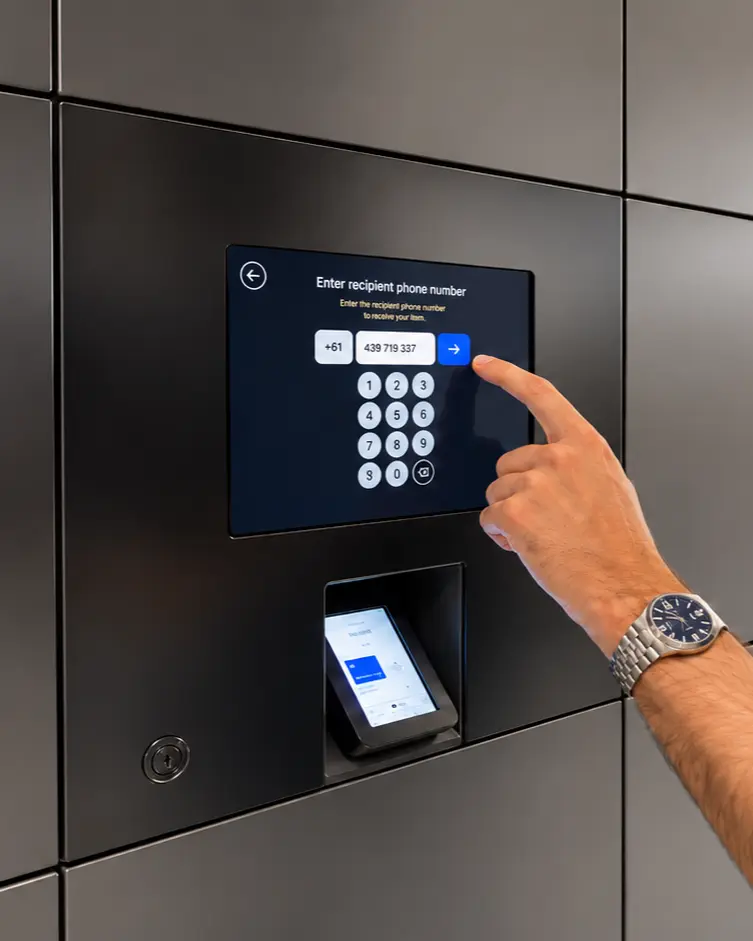
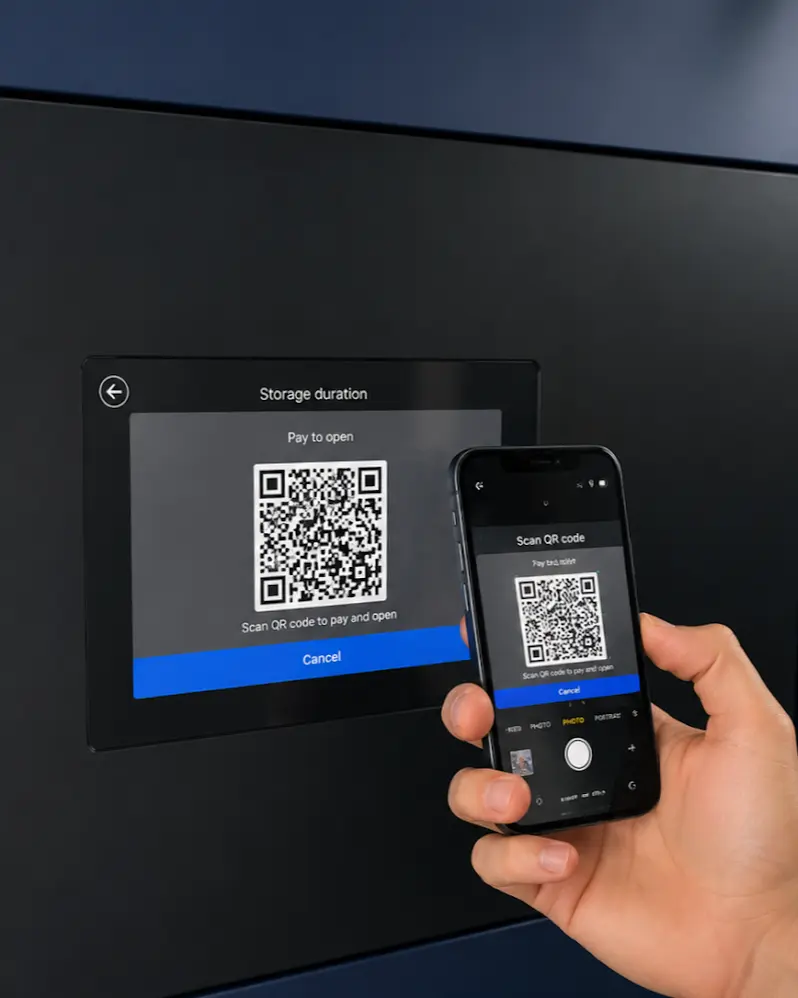
Simple User Experience
A typical paid locker journey can be kept simple:
Select locker → Pay → Locker opens → Store belongings → Return later → Authenticate → Locker opens
Depending on the project, users can access lockers through:
- PIN
- QR code
- Touchscreen
- RFID / NFC
- Membership cards
- Mobile access
- Third-party apps
- Integrated booking or payment systems
This gives facilities flexibility to choose the access method that best suits their customers.
One System. Multiple Payment Workflows.
Blocks is designed around flexible software workflows rather than one fixed locker process.
The same system supports:
Fixed-price locker sessions
Charge a set amount for locker use, regardless of how long the locker is used within the permitted session.
Time-based locker rental
Charge users based on a defined rental period, with the option to structure pricing around time or session length.
Complimentary locker use
Provide free locker access to selected users, members or customer groups.
Membership-based access
Allow members to access lockers using their existing membership status, card or compatible credential.
Paid casual access
Give walk-in or casual users the ability to pay for temporary locker use without needing a permanent account.
Different pricing for different user groups
Apply different access rules or pricing for members, staff, visitors, casual users or other customer groups.
Pre-authorised or pre-booked access
Allow a locker session to be arranged in advance through a booking, reservation or authorised user workflow.
Integrated payment gateways
Connect locker access with compatible payment platforms so payment and locker activation form part of the same user journey.
Custom booking or payment workflows
Configure the system around an existing booking, membership, POS or customer process rather than forcing the facility to adopt a standard locker workflow.
The workflow can be configured around the facility, its users and existing systems, rather than forcing every customer through the same process.
Suitable for Aquatic, Leisure and Public Facilities
The Blocks Smart Payment Locker System is particularly suited to:
- Aquatic centres
- Swimming pools
- Leisure centres
- Gyms
- Health clubs
- Sports centres
- Theme parks
- Attractions
- Stadiums
- Shopping centres
- Transport facilities
- Public venues
Secure Lockers also provides locker materials suited to demanding environments, including compact laminate and other wet-area solutions where required.

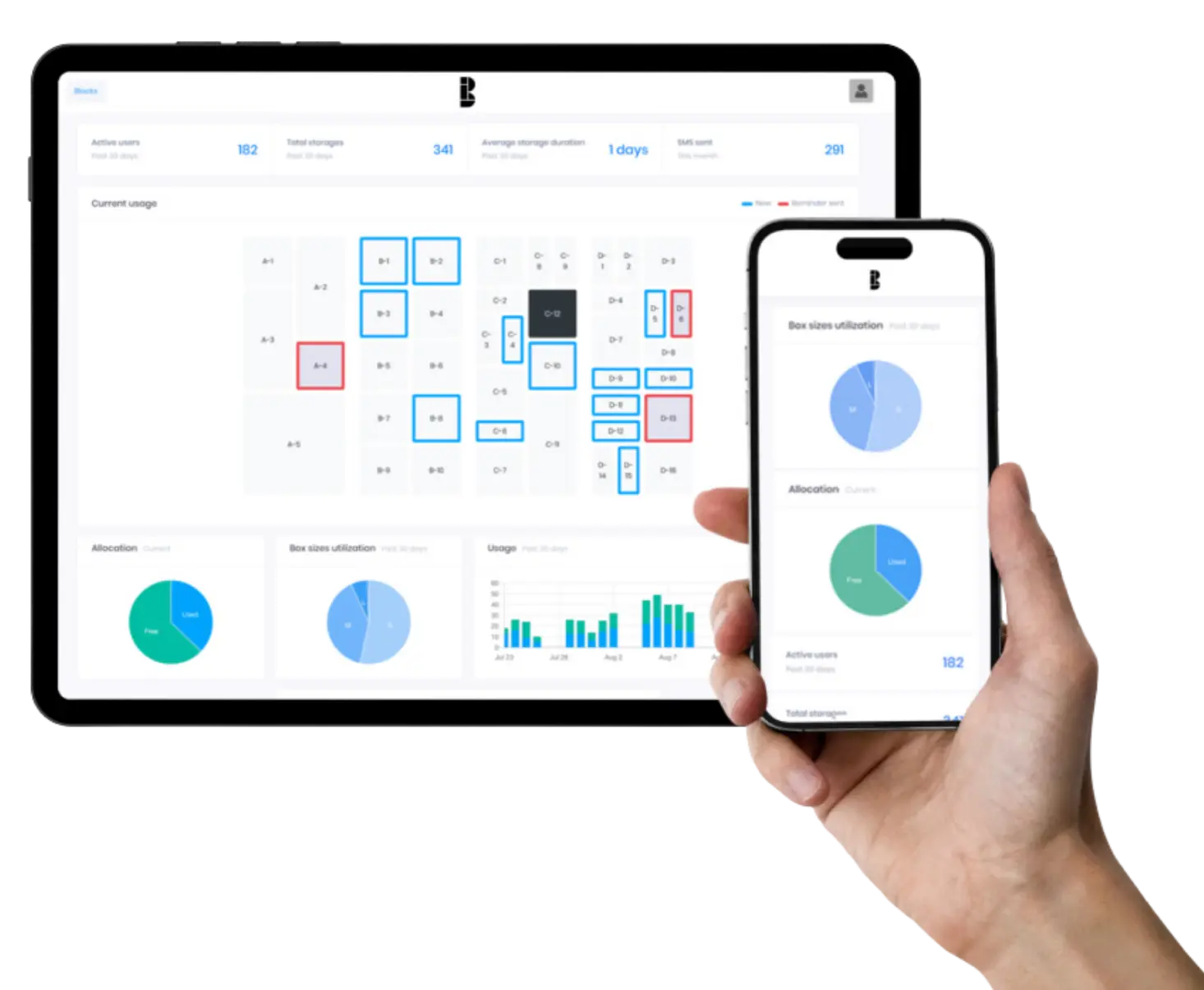
Full Control Through Blocks Admin Zone
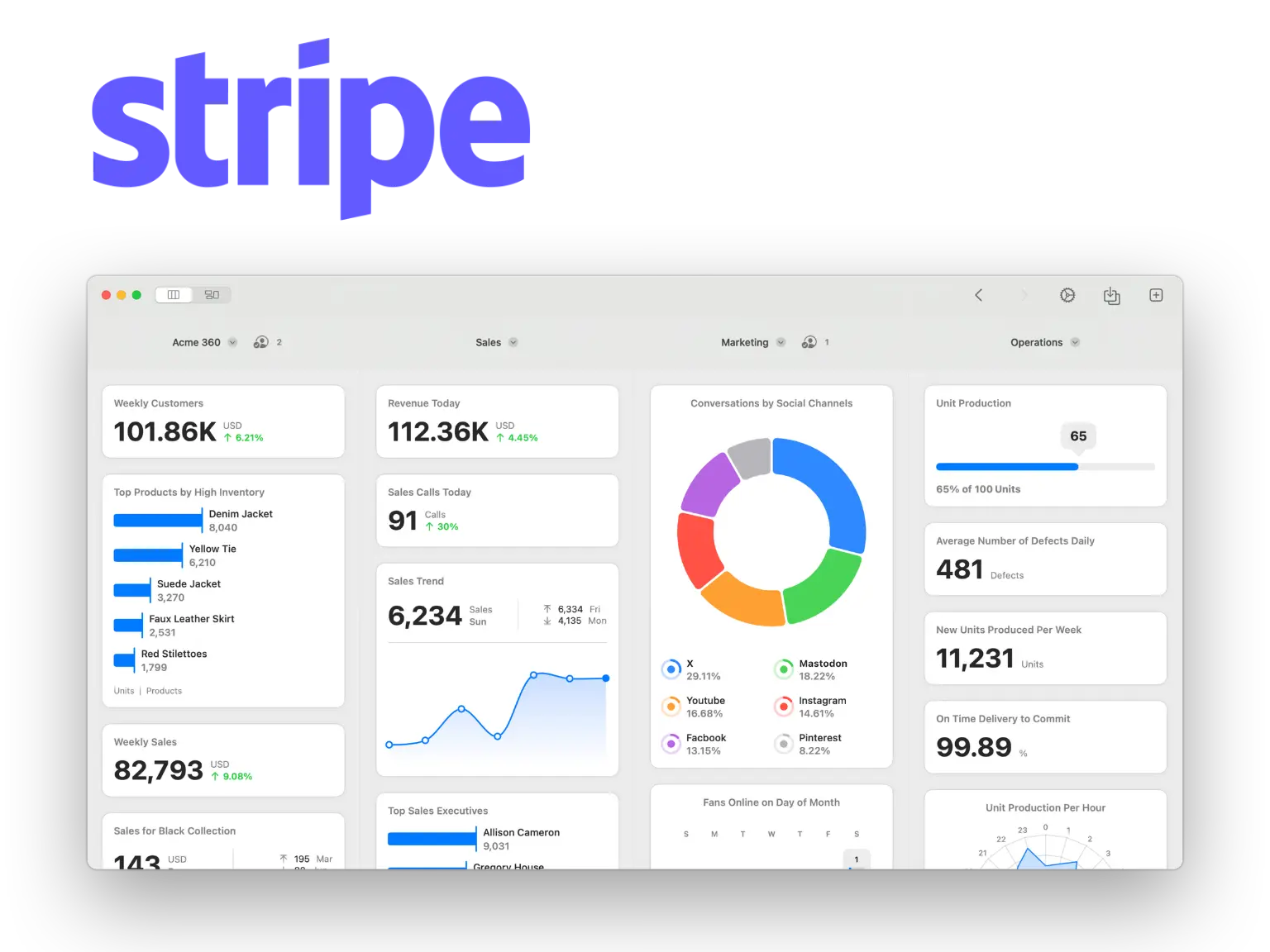
The Blocks Admin Zone gives authorised facility and operations teams central control over the locker system, while connected payment platforms such as Stripe provide visibility of the associated transactions.
Administrators can:
- View locker occupancy and availability
- Monitor active and completed locker sessions
- Manage users, access rules and permissions
- Allocate, release and reset lockers
- Remotely open authorised lockers
- Manage multiple locker areas or sites
- Review locker activity and audit trails
- Monitor utilisation and usage trends
- Assist with customer access issues
- Review payment activity through the connected payment gateway
- View transaction details, payment status and refunds within the payment platform
- Match locker activity with the relevant paid session where required
This gives facilities clear operational visibility across both locker usage and payment activity, helping staff manage day-to-day operations, customer enquiries and reporting more efficiently.
One connected workflow for locker management, customer access and payment visibility.
Integrates With Your Payment & Facility Systems
Your locker system doesn't need to operate on its own
One of the strengths of Secure Lockers with Blocks software is its ability to integrate with the systems your facility already uses.
The software can connect with payment gateways, membership platforms, booking systems, point-of-sale software, access-control systems and other third-party applications.
Common integration environments can include:
- Stripe
- Payment gateways
- Membership management systems
- Point-of-sale systems
- Booking platforms
- Access-control systems
- Customer databases
- Mobile applications
- Venue management software
- Third-party facility systems
For example, a member could be recognised through the facility's existing membership system and receive complimentary locker access, while a casual visitor could complete payment through an integrated gateway such as Stripe and have their locker session activated automatically.
The Blocks Admin Zone can operate alongside the connected payment platform, allowing locker activity to be managed within Blocks while payment details, transaction status and refunds are viewed through the payment gateway.
Blocks also provides an open API and SDK, allowing integrations with compatible custom applications and third-party systems.
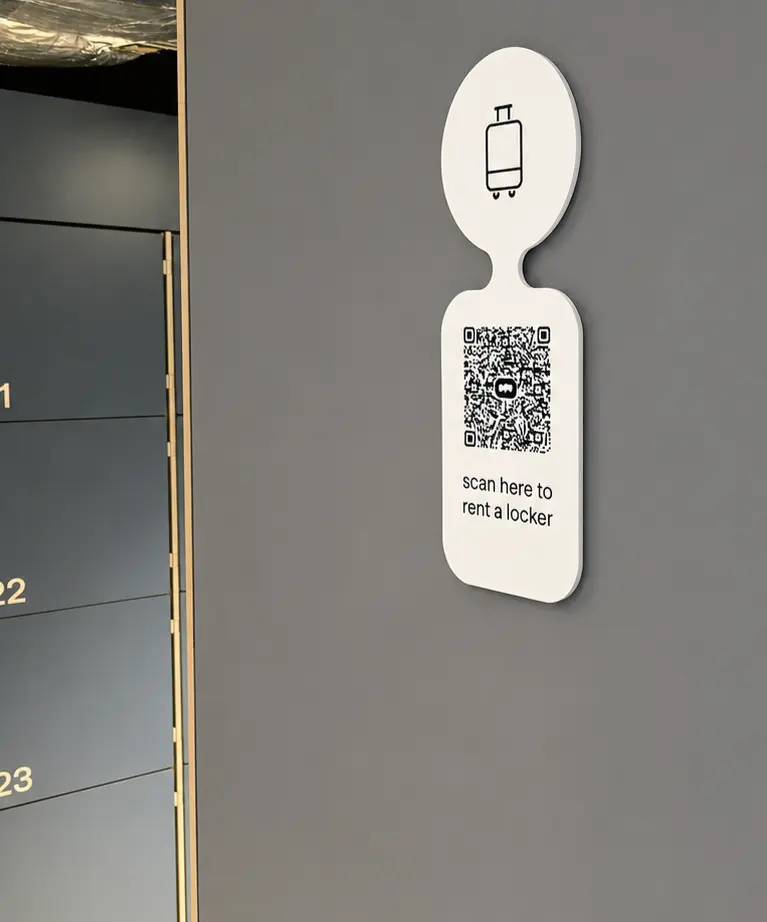
Hardwired Smart Locker Technology
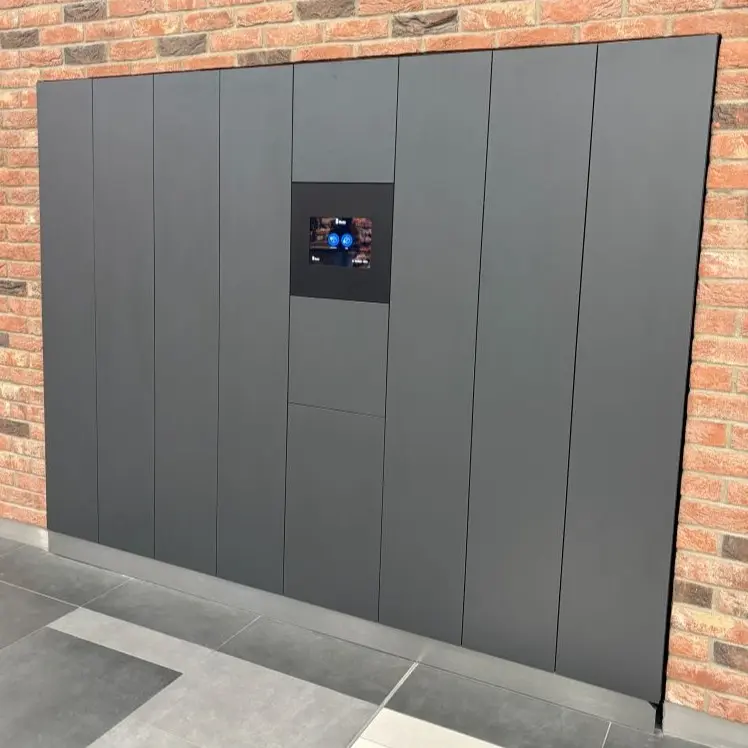
Blocks software operates as a hardwired smart locker system, with electronic locking hardware connected into the central locker control infrastructure.
This makes it particularly suitable for larger centrally managed workplace installations where organisations want connected electronic lockers rather than individual standalone locks on every door.
A typical system can include:
- Electronic locker locks
- Connection hubs and controllers
- Touchscreen terminal
- RFID / NFC reader
- QR scanner
- Payment terminal or payment integration
- Power connection
- Data / internet connection
- Cloud-based management
LAN is generally the preferred connectivity option, with alternative connectivity options available depending on the project requirements.
Final power, network and technical requirements are confirmed during project design.
New Installation or Retrofit
Secure Lockers with Blocks technology can be incorporated into both new locker installations and existing locker banks.
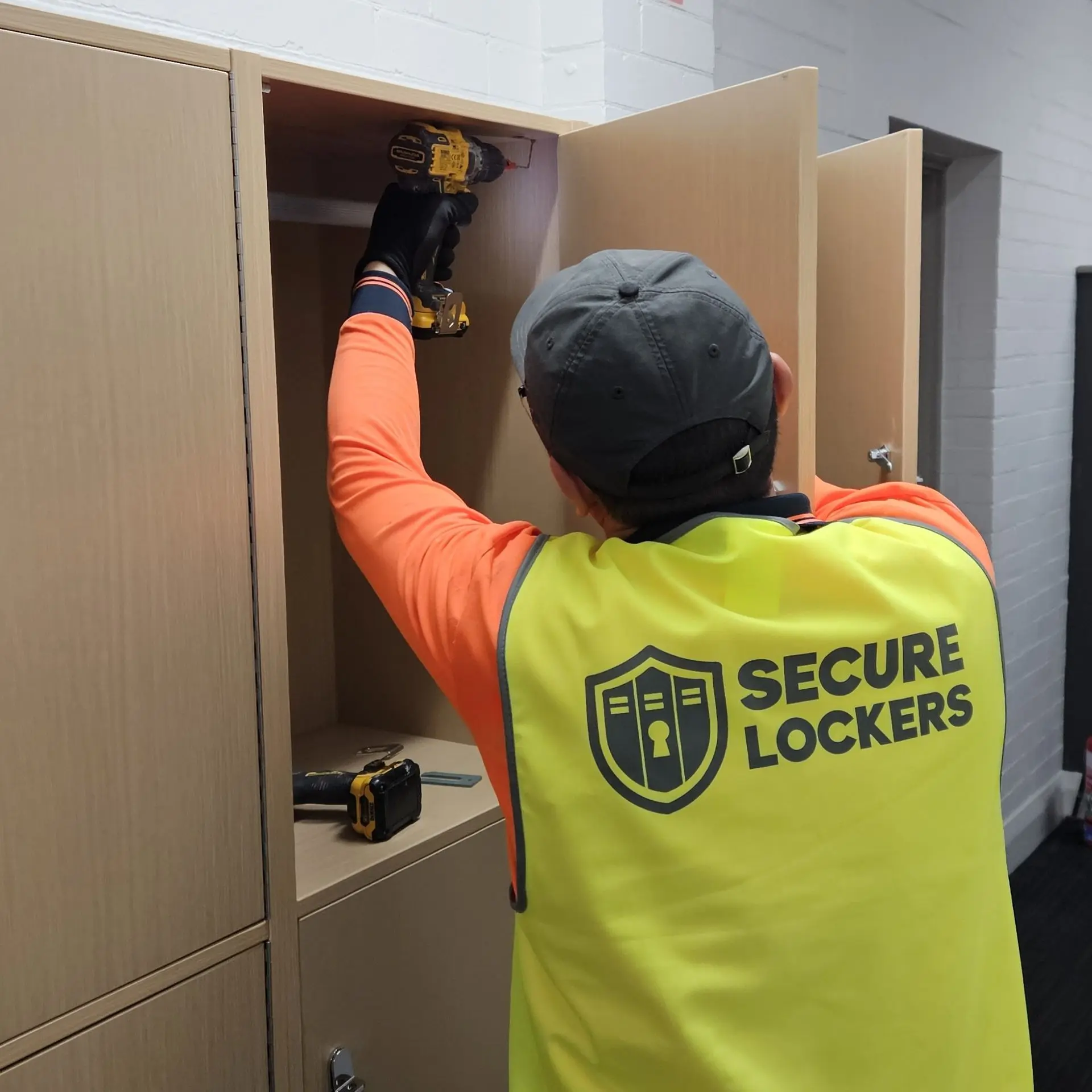
Where existing lockers are suitable, Secure Lockers can assess whether the electronic locking hardware, wiring, controllers and user interfaces can be retrofitted into the current installation.
Retrofit suitability depends on factors including:
- Locker construction
- Door material
- Existing locking hardware
- Available wiring routes
- Power and data access
- Door clearances
- Existing locker condition
Where retrofitting is not practical, Secure Lockers can provide a new locker system specifically designed around the Blocks technology.
Planning a Smart Payment Locker Project?
Whether you already know exactly how the system needs to work or have simply been asked to source a paid smart locker solution, we can help design the right configuration.
Secure Lockers can assist with:
- Locker design
- Electronic locking
- Payment workflows
- Access methods
- Integrations
- Installation
- Ongoing support
Trusted by Leading Organisations
Deloitte · EY · MSD · Siemens · Savills · Zebra Technologies · Braze · Teva
Request a Quote for Blocks Smart Payment Lockers
Tell us about your facility, how you want users to access and pay for lockers, and we’ll help recommend the right Blocks Smart Payment Locker solution.
Frequently Asked Questions
A smart payment locker system combines electronically controlled lockers with software and payment functionality, allowing users to access lockers through a self-service process.
Depending on the configuration, customers may pay for a locker, receive complimentary access or use an existing membership or access credential.
Yes.
Blocks software supports different user groups and workflows within the same system.
For example, members may receive complimentary access while casual visitors are charged for locker use.
Yes, where a compatible payment gateway or payment terminal is integrated into the project.
The exact payment method and workflow are confirmed during system design.
Yes.
PIN and QR access can both be used as part of public-use locker workflows, depending on the project configuration.
Yes, where the existing credential and membership environment are compatible.
Blocks can work with RFID/NFC credentials and can also integrate with compatible membership or access systems.
Yes, this can be configured as part of the selected workflow.
For example, a user may be able to open and close the same locker multiple times during an active session without starting a new payment.
Authorised staff can use the administration platform to assist customers, verify the relevant locker and remotely open or reset lockers where appropriate.
The recovery process can be configured to suit the facility’s operating procedures.
Session rules can be configured around the required operating model.
This can include timed sessions, end-of-day rules, expiry conditions or other automated workflows depending on the project.
In many cases, yes.
Blocks provides integration capability through supported integrations, open API and SDK tools.
The exact integration depends on the functionality made available by the existing system.
Yes, Blocks can be configured for aquatic and leisure environments.
The electronic system and locker material selection need to be designed around the specific environment, particularly moisture exposure, locker location and user workflow.
Yes. Blocks most commonly operates as a hardwired smart locker system with electronic locks connected to central controllers and the Blocks platform. However can also operate off Bluetooth wireless locks where applicable.
Yes, in many cases.
Existing lockers can be assessed to determine whether electronic locks, wiring, controllers and user interfaces can be incorporated into the current installation.
Yes, in some circumstances.
A touchscreen is one possible interface (and most common), however Blocks can also operate through RFID/NFC, mobile, QR, PIN or integrated third-party systems depending on the selected workflow.
Yes.
Blocks is able to manage multiple locker banks and locations through central administration, with different user and administrator permissions available as required.
Blocks operates under an ISO 27001-certified information security framework.
Depending on the configuration, security features can include authenticated access, administrator permissions, locker audit trails, secure cloud management and encrypted communication protocols.